
How to use texts?
How to create a text?
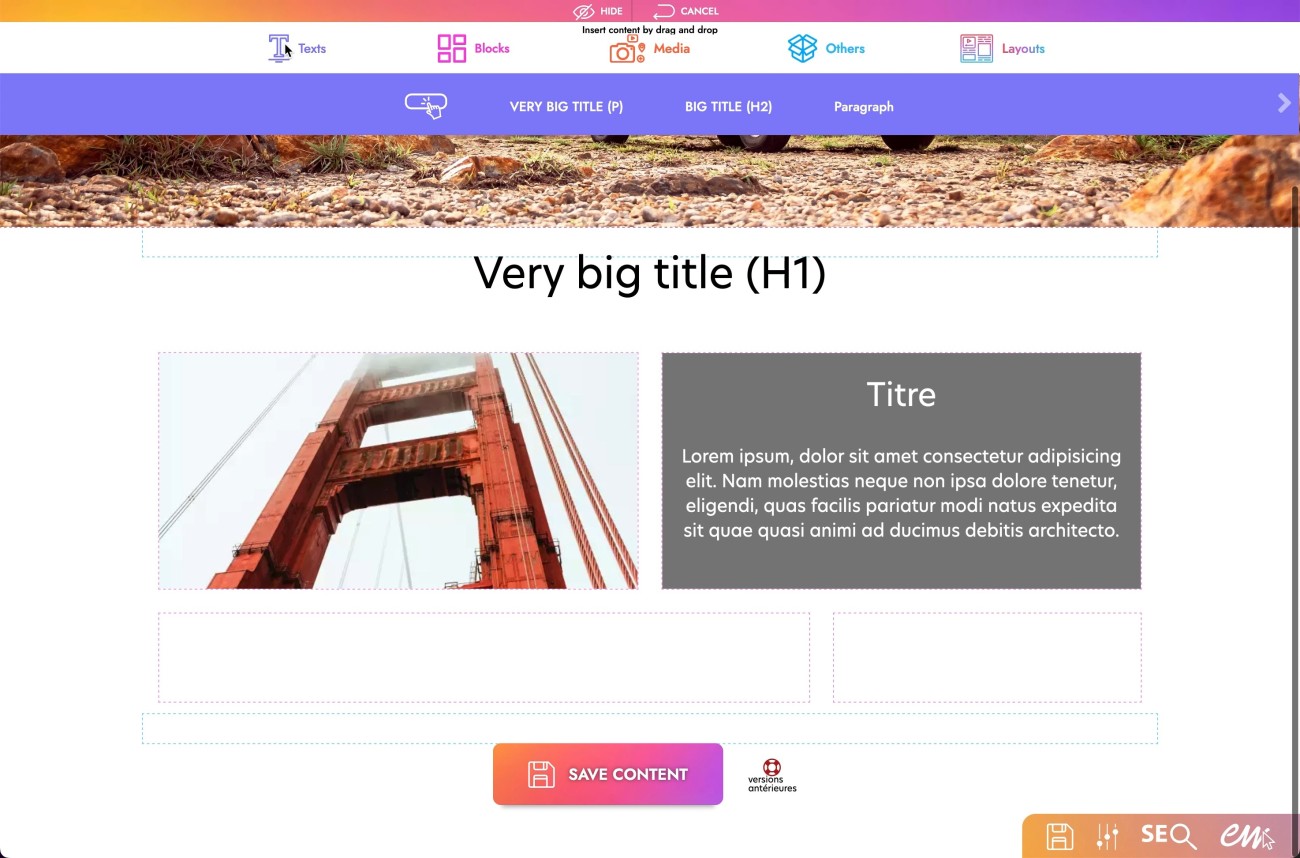
1. Click on the "Pencil" icon at the top left of the screen.
2. Hover over the purple "Text" icon.
3. Click and hold the module text you need.
4. Drop it in the desired location.
How to change the characteristics of a text?
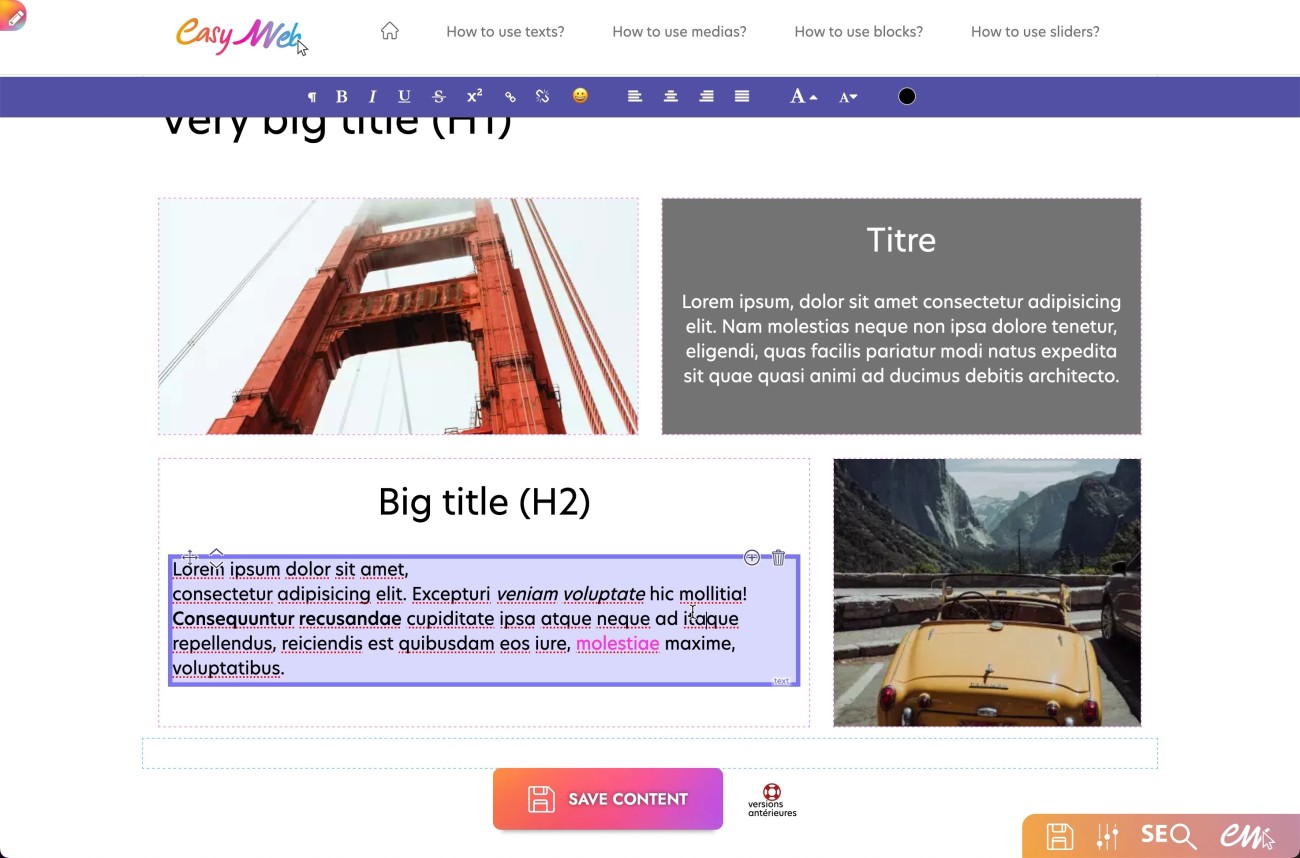
1. Click on the text you want to change.
2. A new menu appears below the first menu.
3. You can change the font type: bold, italic, underlined.
4. You can align the text in different ways: right aligned, centered, left aligned or justified.
5. You can adjust the font size: smaller or larger.
6. You can change the color via the color chart.