
How to use medias?
How to insert an image or video in a block?
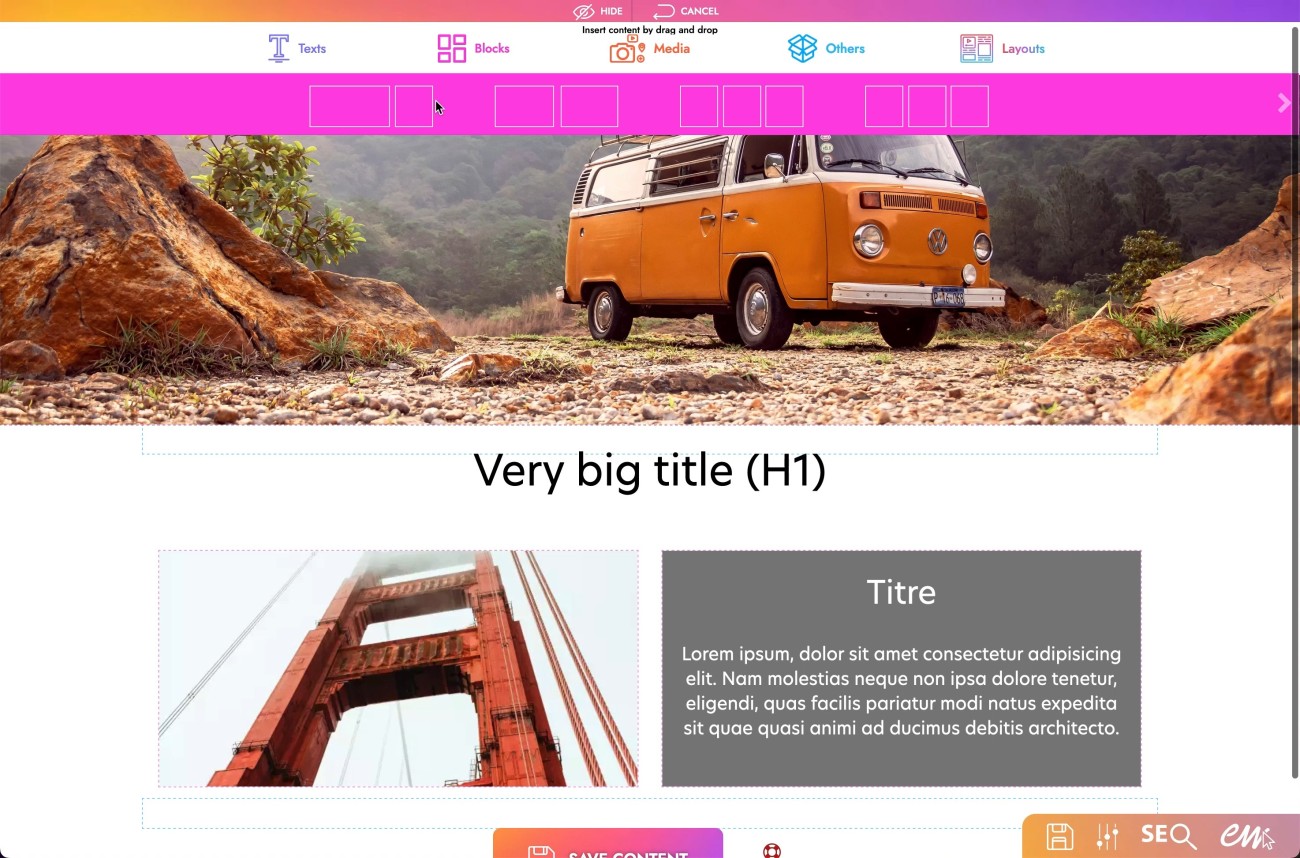
1. Open the toolbar.
2. Open the "Blocks" section in pink.
3. Choose the block you want.
4. Drag it onto the page at the desired location.
5. Then open the "Media" section.
6. Choose the desired media: Image or Video.
7. Drag it into the block you placed in the page just before.
8. Download the media you want.
How to insert an image or video in full page?
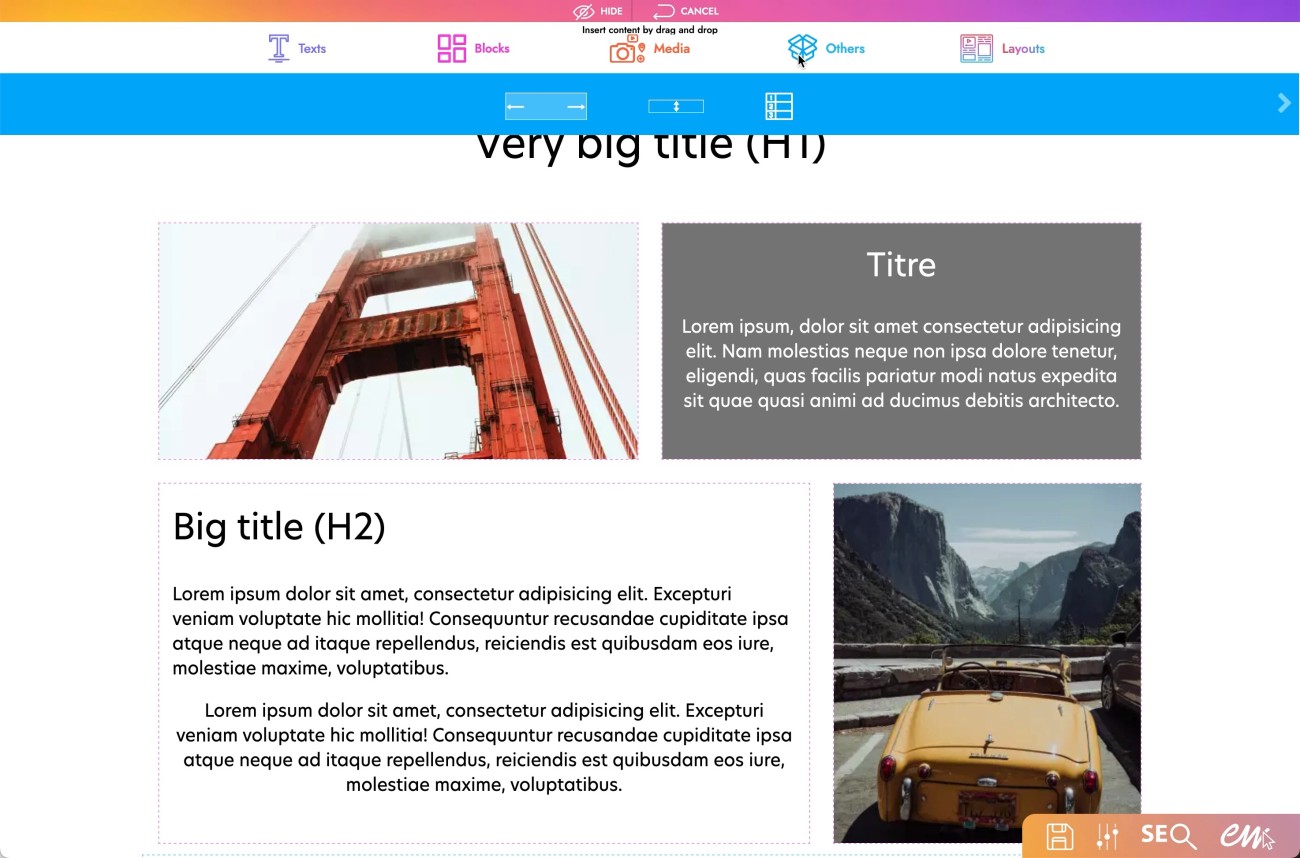
1. Open the toolbar.
2. Open the "Others" section in blue.
3. Choose the "full page" block.
4. Drag it onto the page where you want it.
5. Then open the "Media" section.
6. Choose the desired media: Image or Video.
7. Drag it into the "full page" block inserted in the page just before.
8. Download the media you want.