
How to use blocks?
How to create a block?
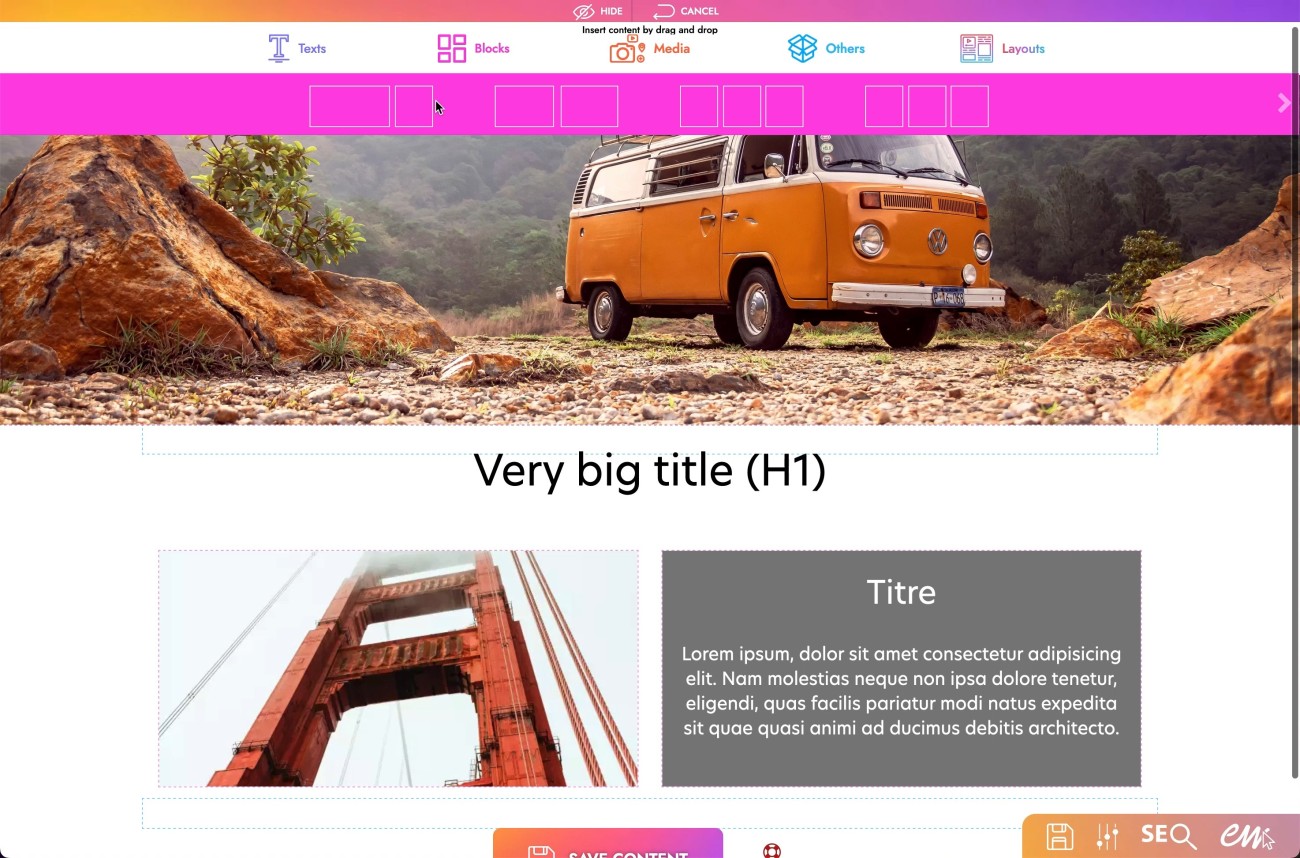
1. Click on the "Pencil" icon at the top left of the screen.
2. Hover over the pink "Block" icon.
3. Click and hold on the block icon that corresponds to your wish.
4. Drop it in the desired location.
How to fill a block?
1. Click on the "Pencil" icon at the top left of the screen.
2. Hover over the "Text", "Media" or "Layout" icon.
3. Click and hold on the desired module
4. Drop it inside the block.
How to resize a block?
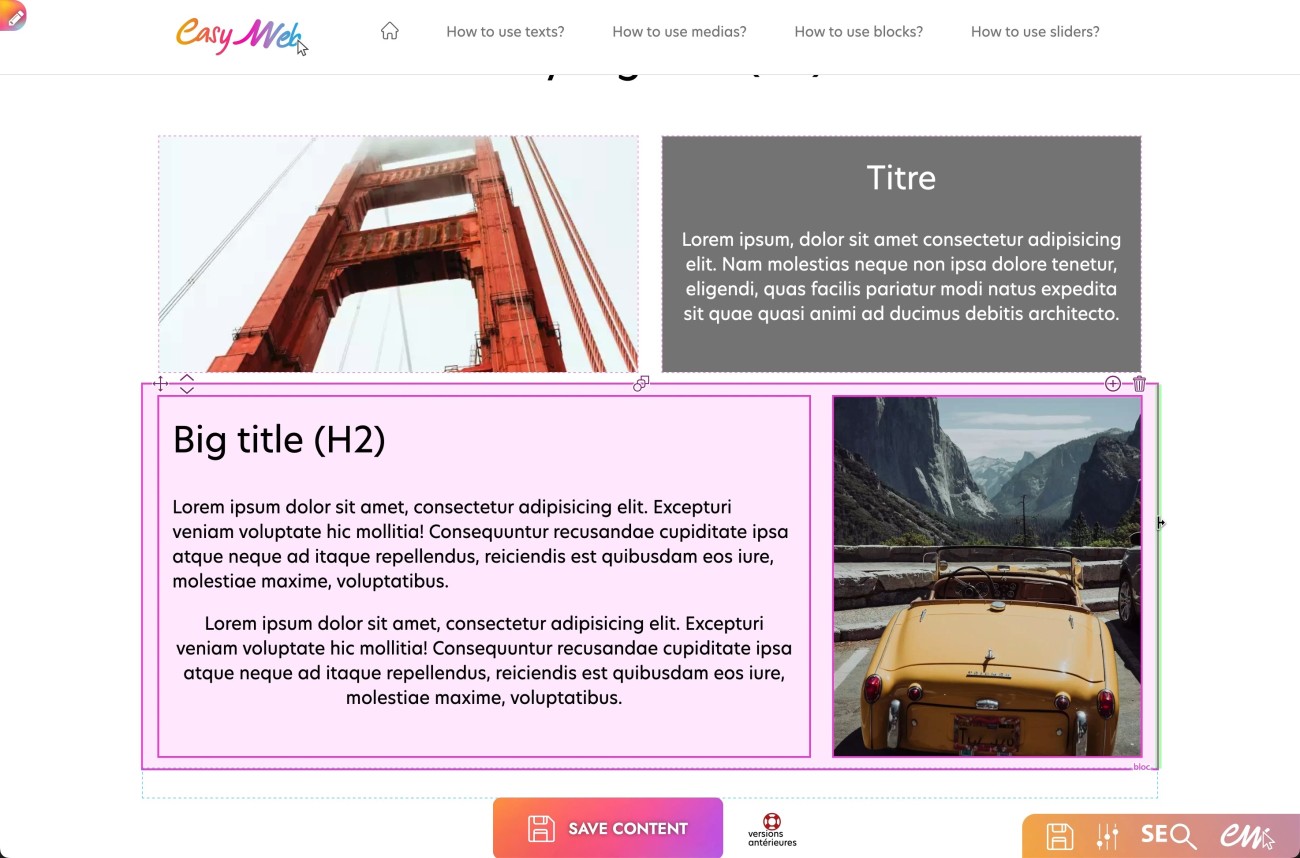
1. Hover over the module of the block already existing on the page.
2. Go to the right end of the module.
3. When the green highlight appears click and hold on it.
4. Move the mouse from right to left to resize the block.
There are 3 possible block sizes.